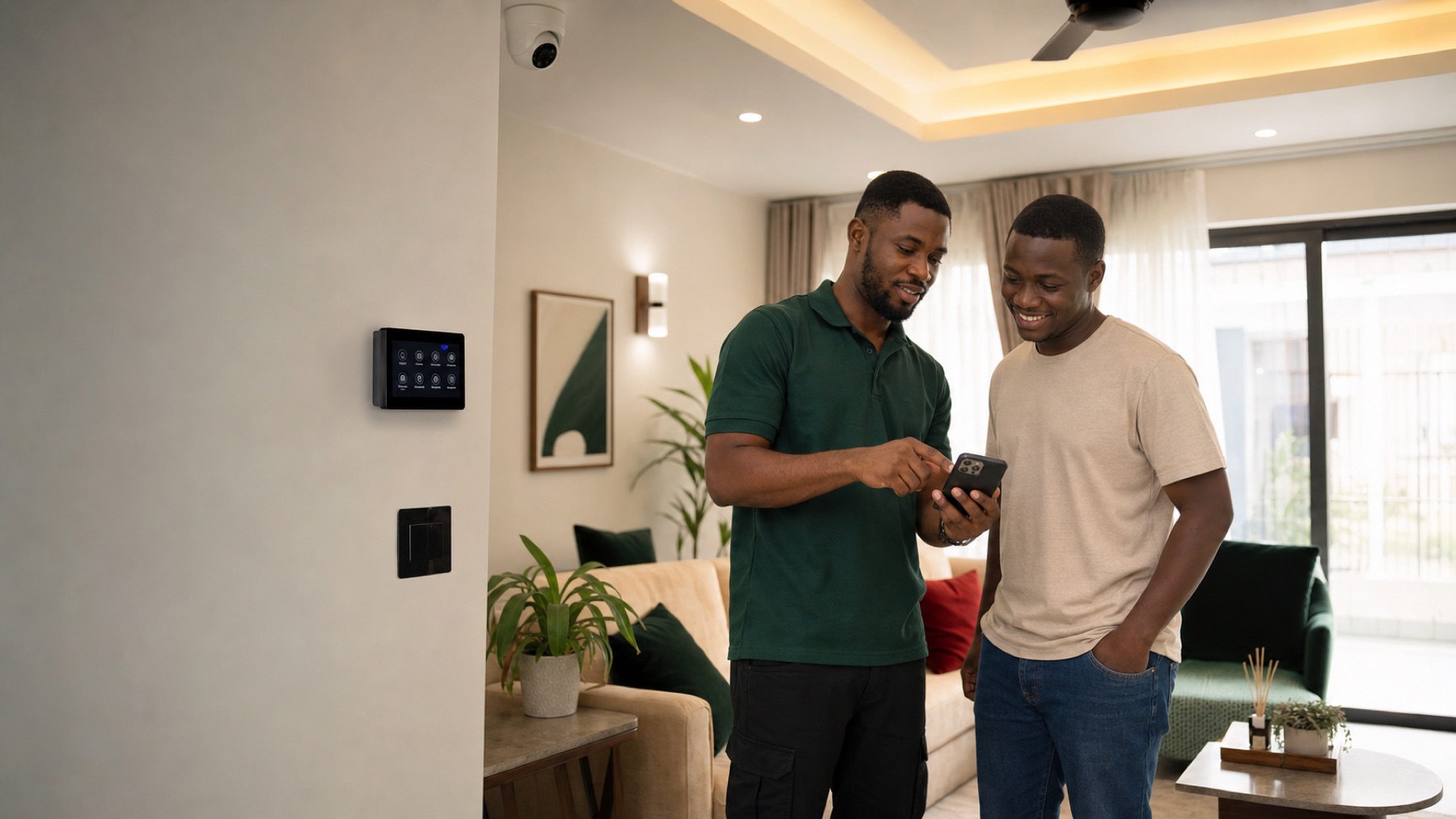
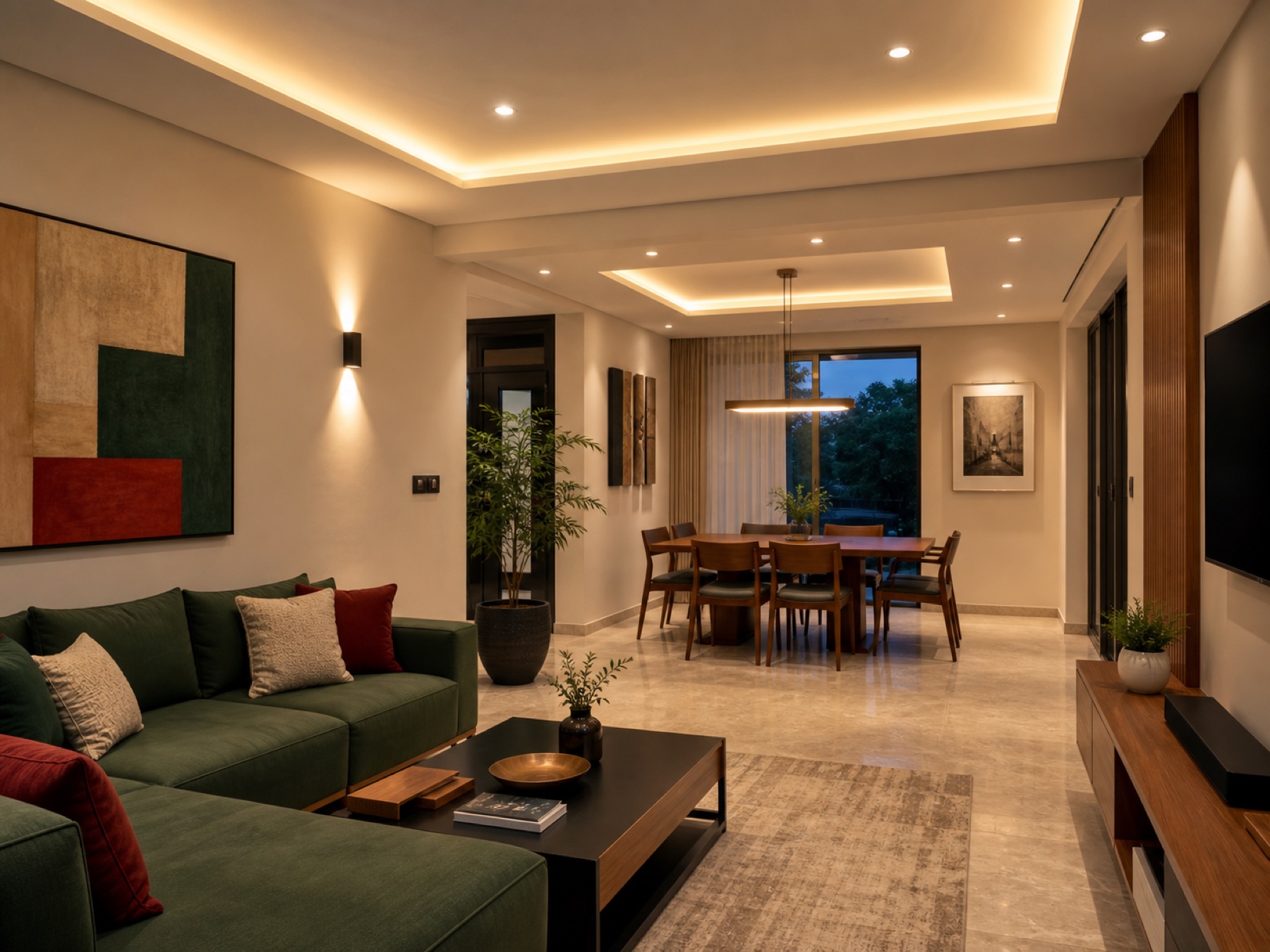
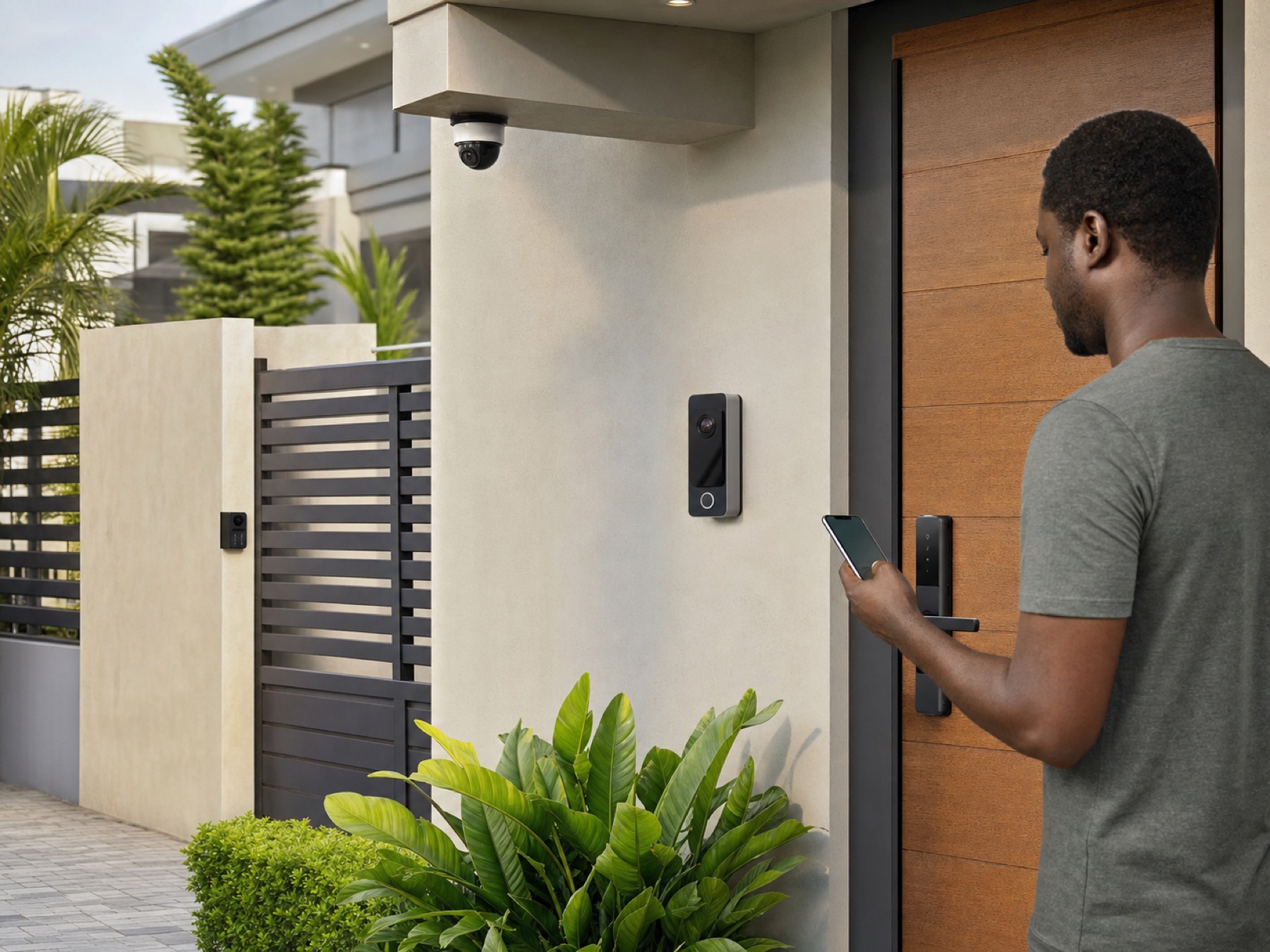
You have probably heard people say “Alexa, turn off the lights” in movies and wondered if that actually works here in Ghana. Yes, it does. Alexa is Amazon’s voice assistant, and it is the easiest way to start your smart home journey in Accra or anywhere else in the country.
Think of Alexa as a digital helper who never sleeps and never asks for chop money. You just talk. “Alexa, lock the door” or “Alexa, play Shatta Wale.” The magic happens through Amazon Echo devices. These are small, powerful smart speakers that bring voice control into your space. The best part is that you can get started for under ₵1,000.
Pro Tip: You do not need to rewire your house to use Alexa. Most compatible devices are plug-and-play. Just connect them to your MTN or Vodafone WiFi and you are ready to go.
Which Echo Devices Can You Buy in Ghana?
At SmartHome.com.gh, we stock genuine Amazon Echo devices with nationwide delivery. Here is what you should look at.
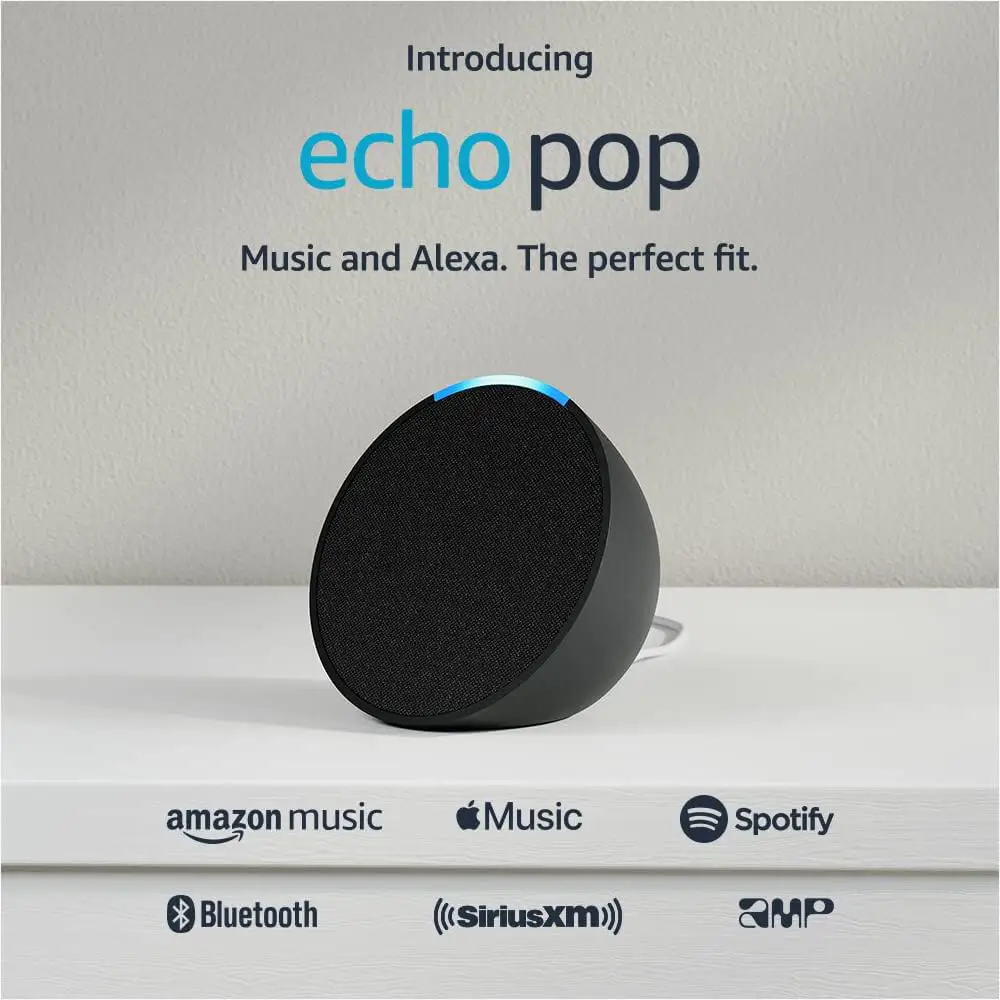
Amazon Echo Dot (5th Gen): Starting from ₵800
The Echo Dot is where most people start. Do not let the small size fool you. The 5th Gen packs serious sound with deep bass and clear vocals. It is perfect for bedrooms, kitchens, and home offices.
- Voice control for all your smart devices like lights and plugs
- Stream music from Spotify or Apple Music
- Set timers and alarms hands-free
- Built-in temperature sensor for automated routines
Check out the Amazon Echo Spot if you want a visual display with your alarms.
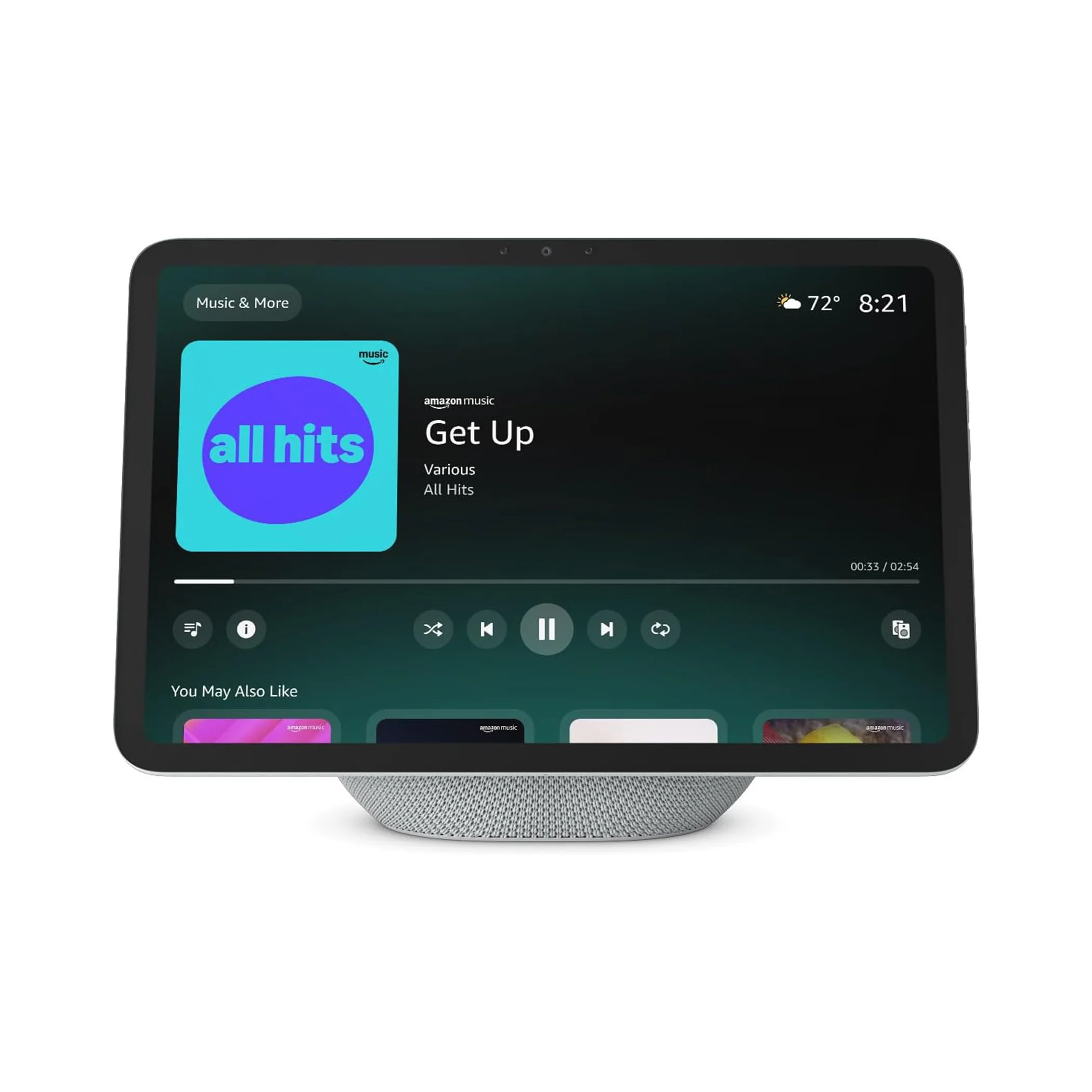
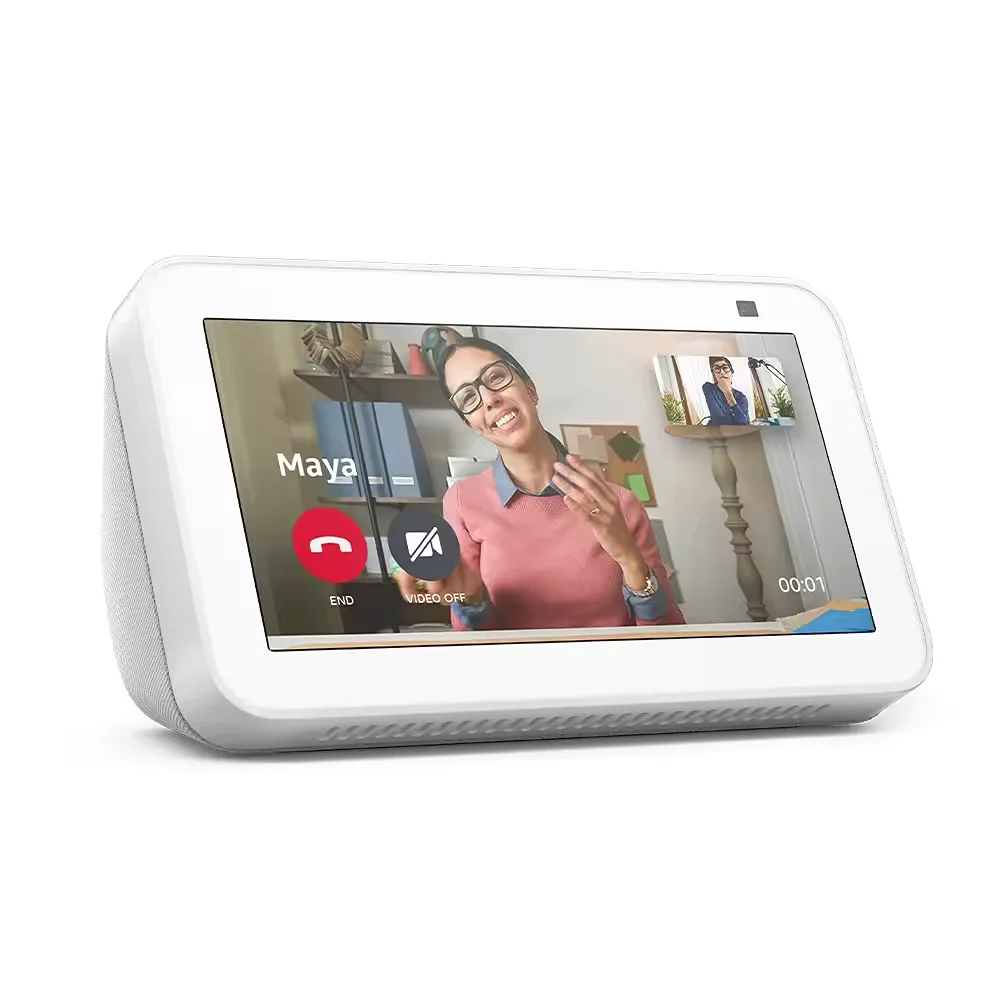
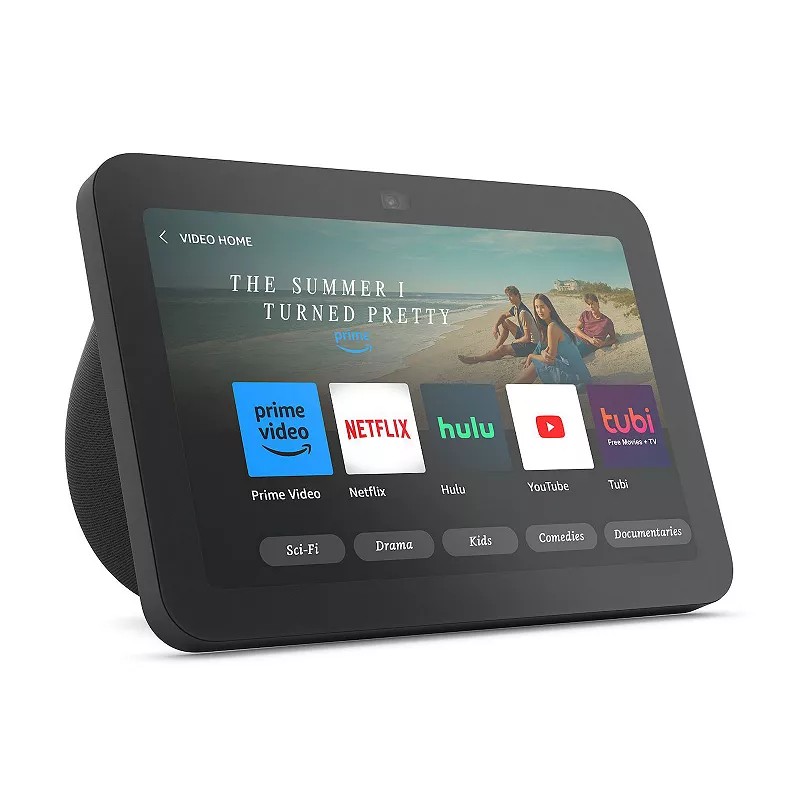
Amazon Echo Show (with Screen)
Want to see who is at your gate without getting up? The Echo Show adds a touchscreen display. You can view your security camera feeds, follow recipe videos in the kitchen, or make video calls. It is basically a smart TV and speaker combined.
Pro Tip: Place your Echo Dot in the center of the room you use most. Alexa picks up your voice better when there is nothing blocking the microphone. Do not hide it behind the TV.
Setting Up Alexa in Ghana
Worried about compatibility? Do not be. Here is exactly what you need.
Power and Internet
Echo devices use standard power adapters. They work perfectly with Ghana’s 230V power supply right out of the box. No converter needed.
You also need a stable internet connection. If your WiFi drops often in certain rooms, grab a WiFi Extender to eliminate dead zones before you set up your Echo.
The 5-Minute Setup
- Plug in your Echo device.
- Download the Alexa app on your phone.
- Connect to your WiFi network.
- Add your smart plugs, lights, switches, or locks in the app.
- Create routines. For example, a “Good Night” routine can lock the doors and turn off the lights at the same time.
Pro Tip: Create a “Leaving Home” routine that turns off all lights and activates your security cameras with one command. Total peace of mind when you step out into the Accra traffic.
Budget Guide: How Much to Spend?
We believe smart homes should be accessible. Here is a breakdown of what you can expect to spend.
Starter Setup (Under ₵1,000)
Get one Amazon Echo Dot (5th Gen) for around ₵800. This gives you voice control, music, timers, and the foundation for your smart home.
Smart Home Essentials (₵1,000 to ₵3,000)
Add an Echo Dot, a couple of Smart Light Bulbs (from ₵150 each), and a Smart Plug (from ₵120). For about ₵1,300, you get voice-controlled lights and scheduled appliances.
Full Smart Home (₵3,000+)
Go all in. Get an Echo Show, a Smart Door Lock, Smart Curtain Motors, and Smart Switches. You get a complete voice-controlled home covering security, lighting, and convenience.
Pro Tip: Start small. Buy the Echo Dot first, get used to asking Alexa for the weather or playing music, and then add smart bulbs and plugs later.
Alexa and Dumsor: What Happens During Power Cuts?
Let us talk about dumsor. When ECG cuts the power, your Echo goes offline. But your home stays secure.
- Battery-powered sensors like door alarms keep working.
- Your smart lock runs on batteries, so it stays locked even without power.
- All your routines are saved in the cloud. When power returns, everything reconnects automatically.
Pro Tip: Pair your Echo and router with a small mini UPS. That way, you still have voice control and internet access during short power cuts.
Frequently Asked Questions
Does Alexa understand Ghanaian accents?
Yes. Set it to “English (UK)” or “English (US)” and it will understand you just fine. It might struggle with deep Twi, but for standard English commands, it works perfectly.
Can I use Alexa without internet?
No, Alexa needs an active internet connection to process voice commands. However, your battery-powered smart devices like locks will still function manually.
Is Alexa compatible with Tuya devices?
Yes. Most smart devices on SmartHome.com.gh use the Tuya app, which links directly to Alexa. One app, one voice, everything connected.
Can I control Alexa from my phone when I am not home?
Absolutely. The Alexa app lets you control all your connected devices remotely, anywhere you have internet access.
Ready to Bring Alexa Home?
Start your smart home journey today. We have Amazon Echo devices available right now on SmartHome.com.gh with nationwide delivery.
Shop our full range of smart devices
Got questions or need help picking the right setup? Chat with us directly on WhatsApp: +233 55 050 7788